A late fee rarely comes from forgetting a bill exists. You know rent is due on the 1st and the car payment lands mid-month. The fee shows up when the money isn’t there on the day the bill is.
That’s why the choice between a bill reminder app and a bill calendar matters more than it looks. A reminder fires at a time. A calendar shows the cash before the bill. On a day your account is short, a ping that says “Electric bill due” doesn’t stop anything. It just tells you about the problem a little earlier.
The difference costs money. When the CFPB finalized its 2024 rule, it estimated the typical credit card late fee at $32[1]. That rule was stayed in court and its $8 cap is not in effect as of October 2026[2], so fees in that range are still ordinary.
The good news is plain arithmetic. If you can see your lowest cash day coming, you can move one payment or one transfer and skip the fee. Here’s how the tools compare and how to set one up this week.
What a bill organizer actually has to do
Bills aren’t rare events. Most households pay several a month, which means your organizer is doing real work every week.
A useful one has four jobs:
- Know the date. Every bill, with its due date, repeating on its own each cycle.
- Know the amount. At least an estimate, so a $140 phone bill doesn’t look the same as a $1,600 rent payment.
- Know your cash. What’s in checking right now, and when the next paycheck lands.
- Warn you early enough to act. A heads-up the day before is useful only if there’s still time to move money.
Most tools handle the first job well. Fewer handle the second. Very few handle the third, and that’s the one that actually prevents the fee.
Autopay helps, but it doesn’t remove the need to look. It’s easy to settle into paying minimums and never revisit them. Autopay also doesn’t know your balance. If the money isn’t there, the payment can still bounce.
So the real test is simple. Does the tool show you whether the money will be there on the due date? If not, it’s a reminder, not an organizer.
The options
| Option | Price (as of October 2026) | Platform | Bank login needed | Reminders | Shared with a partner |
|---|---|---|---|---|---|
| Phone reminders (iPhone Reminders, Google Calendar) | Free | iPhone for Reminders; web, iPhone, and Android for Google Calendar | No | Yes, at a set time | Yes, via shared lists or calendars[5][6] |
| Rocket Money | Free tier with bill tracking; Premium $7 to $14 a month[3] | iPhone and Android; web on paid tiers | Yes, to detect bills | Tracks upcoming bills | Premium only: a second login for one partner |
| Amppfy | Free | iPhone, Android, web | No, you type in balances | Heads-up the day before a bill | Yes, partner invite; private accounts stay private |
| YNAB | $14.99 a month or $109 a year; 34-day free trial[4] | iPhone, Android, web | Optional; manual entry is allowed | Scheduled transactions show upcoming bills | Yes: YNAB Together, up to six people |
A note on the table: prices and features change. Confirm on each company’s own site before you sign up.
Each option in two paragraphs
Phone reminders
iPhone Reminders and Google Calendar cost nothing and are already on your phone. You add “Car payment, $412” on the 15th, set it to repeat monthly, and it pings you. Shared lists and calendars let a partner see the same entries. For someone with five bills and a steady cushion in checking, this is enough.
The limit is that neither one knows your balance. The reminder fires at 9 a.m. whether you have $3,000 or $40 in checking. It’s a sticky note that moves itself forward. It tells you a bill exists. It can’t tell you whether you can pay it.
Rocket Money
Rocket Money’s free tier tracks bills it finds after you link your bank accounts. Premium runs $7 to $14 a month as of October 2026[3] and adds more features on top. If you like having bills detected for you, the link is the point.
The trade-off is the bank connection. Some people don’t want to hand over login access. Others have quit apps after a sync broke and the bill list quietly went stale. If the connection is fine for you, it’s a reasonable option. If it isn’t, the core feature goes away.
Amppfy
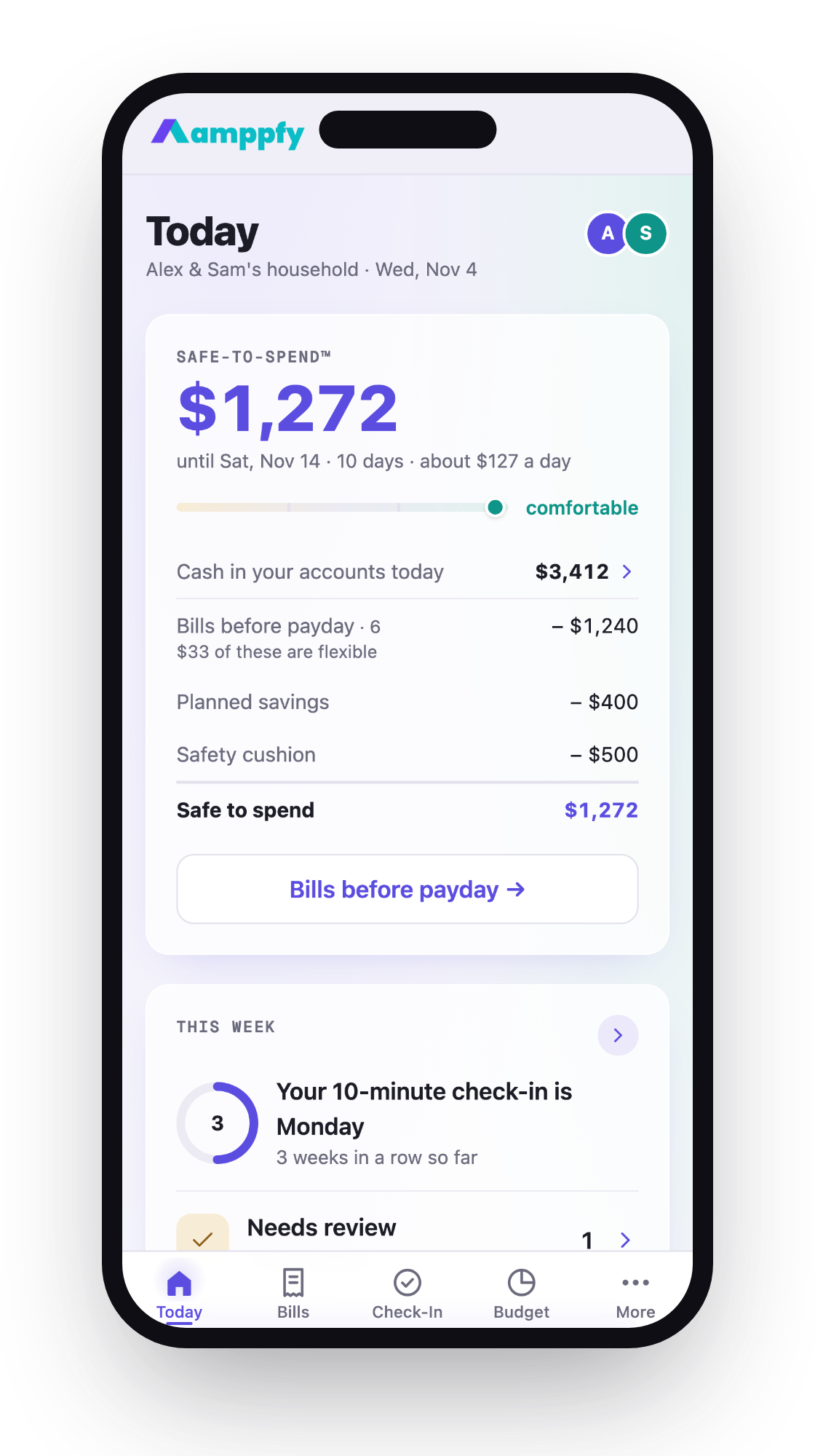
It’s free on iPhone, Android, and the web. You type in your balances, bills, and paydays yourself, with no bank login and no transaction import. Bills roll forward on their own. A month calendar marks the lowest cash day before payday. A partner gets their own login and sees the same view, while private accounts stay private.
Its heads-ups are the bridge between the two ideas in this article. You get a heads-up the day before a bill lands, on a calendar that already shows whether the cash is there. The catch is upkeep: balances are only as fresh as your last check-in, which takes about 10 minutes a week. It runs on iPhone, Android (Google Play), and the web, so any browser works too.
YNAB
YNAB is a paid budgeting app, $14.99 a month or $109 a year as of October 2026[4], built around giving every dollar a job. You can link accounts or enter things by hand. Scheduled bills show up ahead of time, and YNAB Together lets up to six people share one subscription. If you want a full budget, not just a bill tracker, it’s a serious tool.
It asks more of you than the others. The method has a learning curve, and the subscription is a real cost. If all you need is to stop late fees, a full budgeting system can feel like buying a toolbox to hang one picture. If you want the whole system, the effort pays back.
What a calendar shows that a list does not: the lowest point before payday
A list shows bills in order. A calendar shows bills against your cash. That second view is what reveals the dip.
Here’s an ordinary two-week stretch. You have $1,850 in checking on the 1st. Payday is the 15th, for $2,200.
| Date | What happens | Balance after |
|---|---|---|
| 1st | Starting balance | $1,850 |
| 1st | Rent | $250 (after $1,600) |
| 5th | Phone bill | $110 (after $140) |
| 8th | Car insurance | -$75 (after $185) |
| 12th | Streaming and gym | -$135 (after $60) |
| 15th | Payday | $2,065 |
On a list, those are four bills and a paycheck. They add up to $1,985 against $4,050 coming in, and it looks fine. On a calendar, you see the account goes negative on the 8th and stays there until the 15th.
The math is simple: $1,850 minus $1,600, minus $140, minus $185 equals -$75. A reminder on the 8th says “Car insurance due.” A calendar on the 1st says “You’ll be $75 short on the 8th.” One gives you a week to fix it. The other gives you a fee.
The fix is usually small. Move the insurance date past payday, shift $100 from savings, or hold off on one purchase. To count only the bills that land before your next paycheck, see how to count bills due before payday.
How to set one up in 15 minutes
Pick whichever tool fits, whether that’s a calendar app, a spreadsheet, or a bill reminder app with a cash view. The steps are the same.
- Write down your balance (2 minutes). Checking only, as of right now. Open your bank app and copy the number.
- Add your next payday (1 minute). The date and the amount. If your pay varies, use a low but realistic figure.
- List every bill due before that payday (5 minutes). Rent, utilities, phone, insurance, card minimums, subscriptions. Check last month’s statement so nothing slips.
- Put each one on its due date (4 minutes). Set it to repeat. Add the amount, even if it’s an estimate.
- Find the lowest point (2 minutes). Subtract each bill in date order. Circle the smallest number before payday.
- Act on that number (1 minute). If it’s below zero, or below the cushion you want, move one date or one transfer now.
Then set a weekly reminder to update your balance. Ten minutes on a Sunday keeps the calendar honest. A stale balance makes the whole view wrong.
FAQ
Is a bill reminder app enough on its own?
It’s enough if you always keep a healthy cushion in checking. If your balance runs close to zero before payday, a reminder alone won’t stop a late fee. You need to see the cash next to the bill.
Should I just put everything on autopay?
Autopay is great for fixed bills you can always cover. It doesn’t check your balance, though, and it can bounce on a short week. Pair it with a calendar so you see the dip before the payment runs.
What if my partner and I split bills differently?
Use a tool that both of you can see. Shared phone calendars work for dates. For balances, pick something with a partner login so neither of you has to forward screenshots.
Do I need to link my bank to see the lowest point?
No. You can type in your balance and get the same answer with plain arithmetic. Linking saves typing, but it can break. Manual entry takes a minute and doesn’t depend on a sync.
A reminder tells you when. A calendar tells you whether. That second answer is the one that keeps the fee off your statement, and you only need one honest view of the weeks between now and payday to get it.
If you’d like a month view with the lowest cash day already marked, try the Amppfy bills calendar. Take 15 minutes this week, add your balance and next payday, and look for the lowest point. Most months it’ll be fine. When it isn’t, you’ll see it with days to spare.