
The status scale
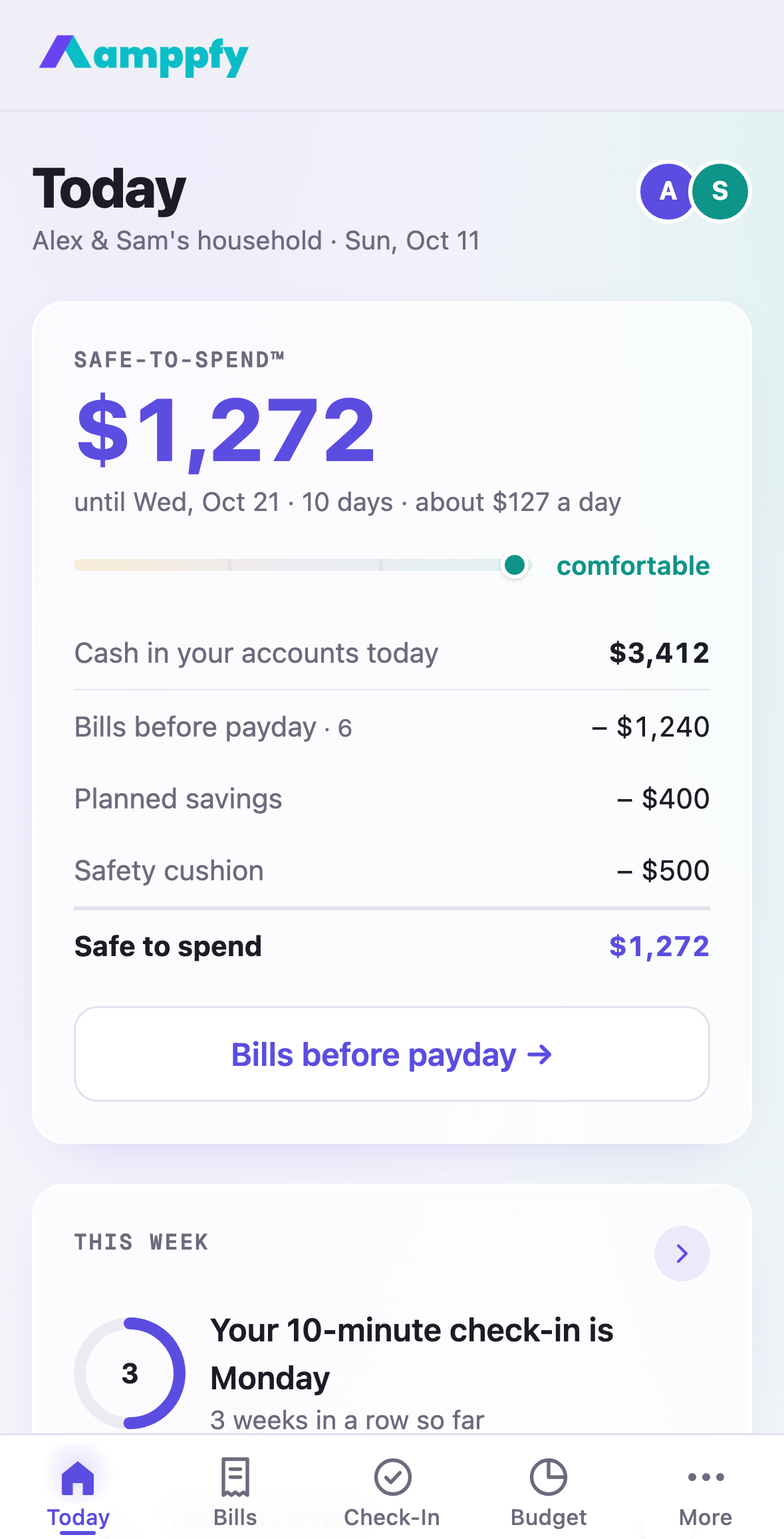
Under your Safe-to-Spend™ number sits a thin track with a marker on it and one word beside it. It answers the question the number alone does not: not just how much, but how much room.
The three words
Section titled “The three words”| Word | Color | What it means |
|---|---|---|
| comfortable | teal | The lowest point before payday clears your cushion with room to spare |
| tight | ink | The lowest point stays above your cushion, but only just |
| dips into cushion | amber | Somewhere before payday your cash goes under the cushion |
The scale reads the lowest point on the road to payday, not just today’s balance. A good number with a big bill the day before payday can still read tight.
How the word is chosen
Section titled “How the word is chosen”Amppfy takes the lowest point before payday and subtracts your cushion. Below zero is dips into cushion. Above zero, it compares the margin to a quarter of your Safe-to-Spend™ number: under that is tight, at or above it is comfortable. The marker moves along the track with the margin, so you can watch it shift as bills land or balances change.
Amber is a heads-up, never an alarm. Dips into cushion means the cushion is doing its job; the move is to look at which bill causes the dip and whether a due date or a goal can wait.
Where you see it
Section titled “Where you see it”- Today, under the number, and on the first screen of the weekly check-in.
- The reveal at the end of setup, and the example household on the Welcome screen.
- The widget on your iPhone, where the same scale is bent into a ring with the word inside. See Find your way around.
The scale appears once you have a payday; without one there is no window to measure.
Related
Section titled “Related”- How the number is calculated
- Why did my number change?
- Heads-ups: the Lowest point heads-up arrives when the dip goes under your cushion