
Get the app and sign in
Amppfy is free on iPhone. If you already use Amppfy on the web, you do not create anything new: sign in and your household is already there.
Install the app
Section titled “Install the app”- On your iPhone, open Amppfy on the App Store. (On a computer? Every page of amppfy.com has a QR code you can scan, and typing app.amppfy.com/get on your phone takes you there too.)
- Tap Get, then open Amppfy from your Home Screen.
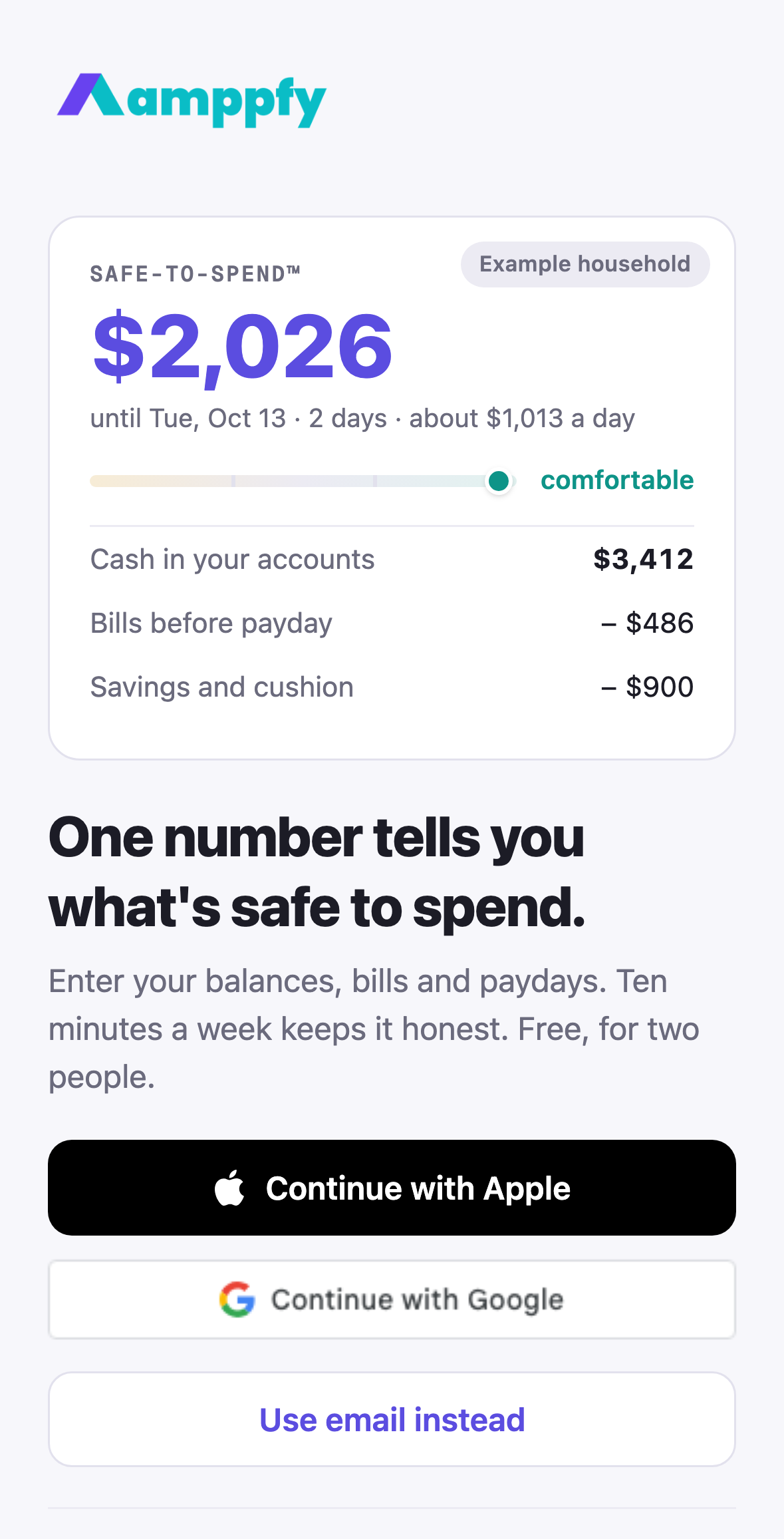
The Welcome screen
Section titled “The Welcome screen”The app opens on a real Safe-to-Spend™ card for an example household, the headline One number tells you what’s safe to spend, and three buttons. See an example at the bottom opens the whole app read-only on that household, with a banner and a Create your own button to come back. The app skips this screen once you are signed in.
Sign in
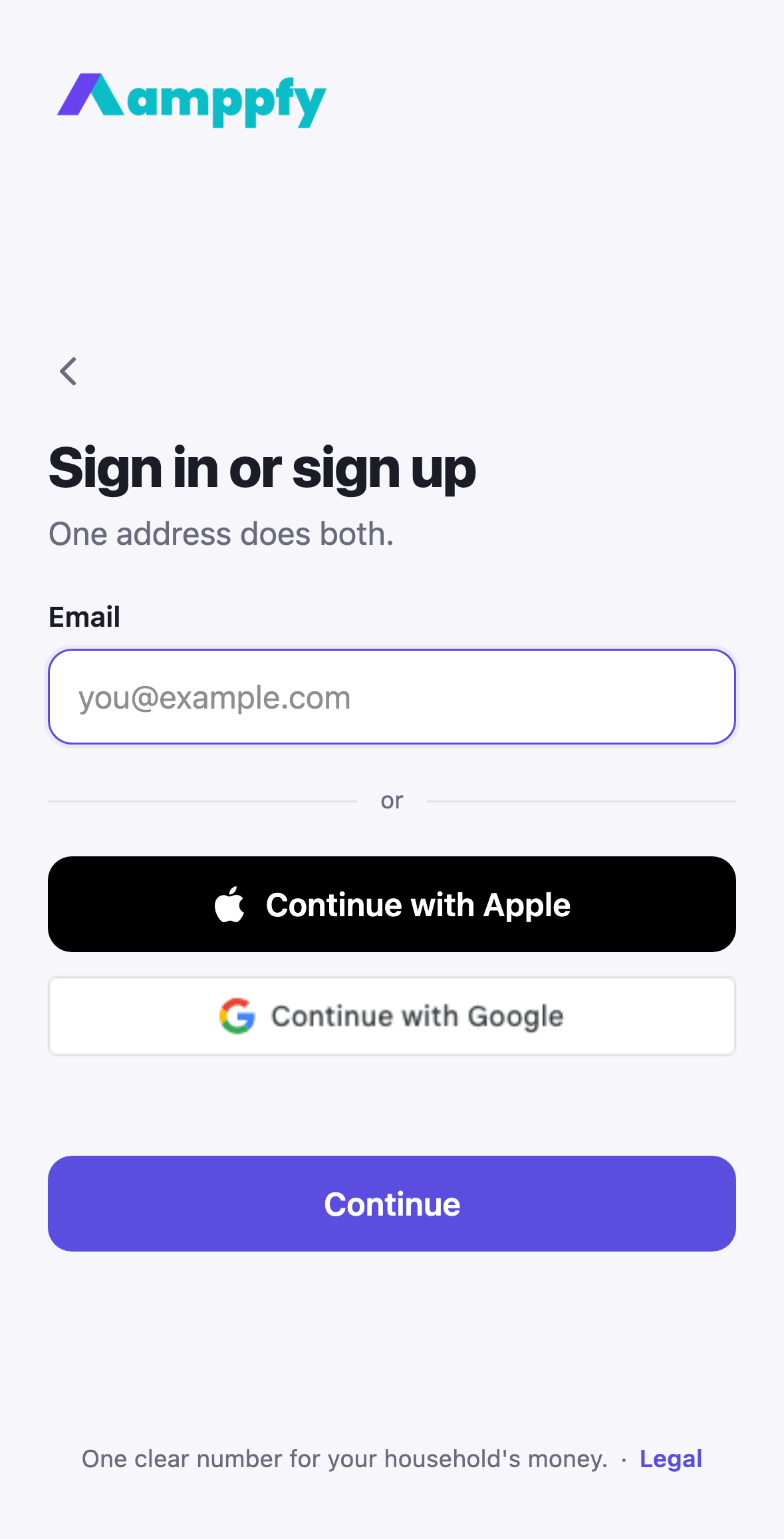
Section titled “Sign in”Choose whichever you like; they all lead to the same account:
- Continue with Apple: one tap with Face ID or Touch ID. If you choose Hide My Email, Apple gives Amppfy a private relay address and forwards our emails to you; that works fine.
- Continue with Google: one tap with your Google account.
- Use email instead: type your address and tap Continue. An address with an account asks for your password; a new one asks for your name and a password, then a six-digit code from your inbox. iPhone offers to fill the code from Mail.
New to Amppfy? Any of these creates your account, and the app walks you through setting up your household in about five minutes.
Already signed in on the web?
Section titled “Already signed in on the web?”Use the same sign-in method you used there. Signed up with Google on the web? Choose Continue with Google on your iPhone. Your household, accounts, bills, and goals appear immediately.
If you are not sure which method you used, type the email you would expect: an address that already has an account goes to the password screen, a new one to Create your account.
Staying signed in
Section titled “Staying signed in”The app keeps you signed in between launches, so it opens straight to Today. If you have turned on two-step verification, the app asks for your code when you reopen it after it has been fully closed; a small, deliberate check.
Your number on the Home Screen
Section titled “Your number on the Home Screen”Once you are in, add the Safe to Spend widget: a ring with your number, the status word, and the days to payday. See the widget.
Just your balances
Section titled “Just your balances”Amppfy runs on the balances you enter, on your phone or on the web: about 30 seconds per account at the weekly check-in, with the decimal keypad right there.