
Subscriptions and cancelling one
Streaming, the gym, cloud storage: subscriptions are bills that quietly repeat. Mark them as subscriptions and Amppfy shows what they add up to every month, asks now and then whether you still use each one, and puts the money straight back into Safe-to-Spend™ when you cancel.
Mark a bill as a subscription
Section titled “Mark a bill as a subscription”- On Bills, open the Subscriptions tab and tap +, or open any bill.
- At the bottom of the sheet, under Kind, choose Subscription.
- Give it a schedule: Monthly, Every 2 weeks, Weekly, or Yearly. A subscription repeats, so Once is not an option here.
- Tap Save bill.
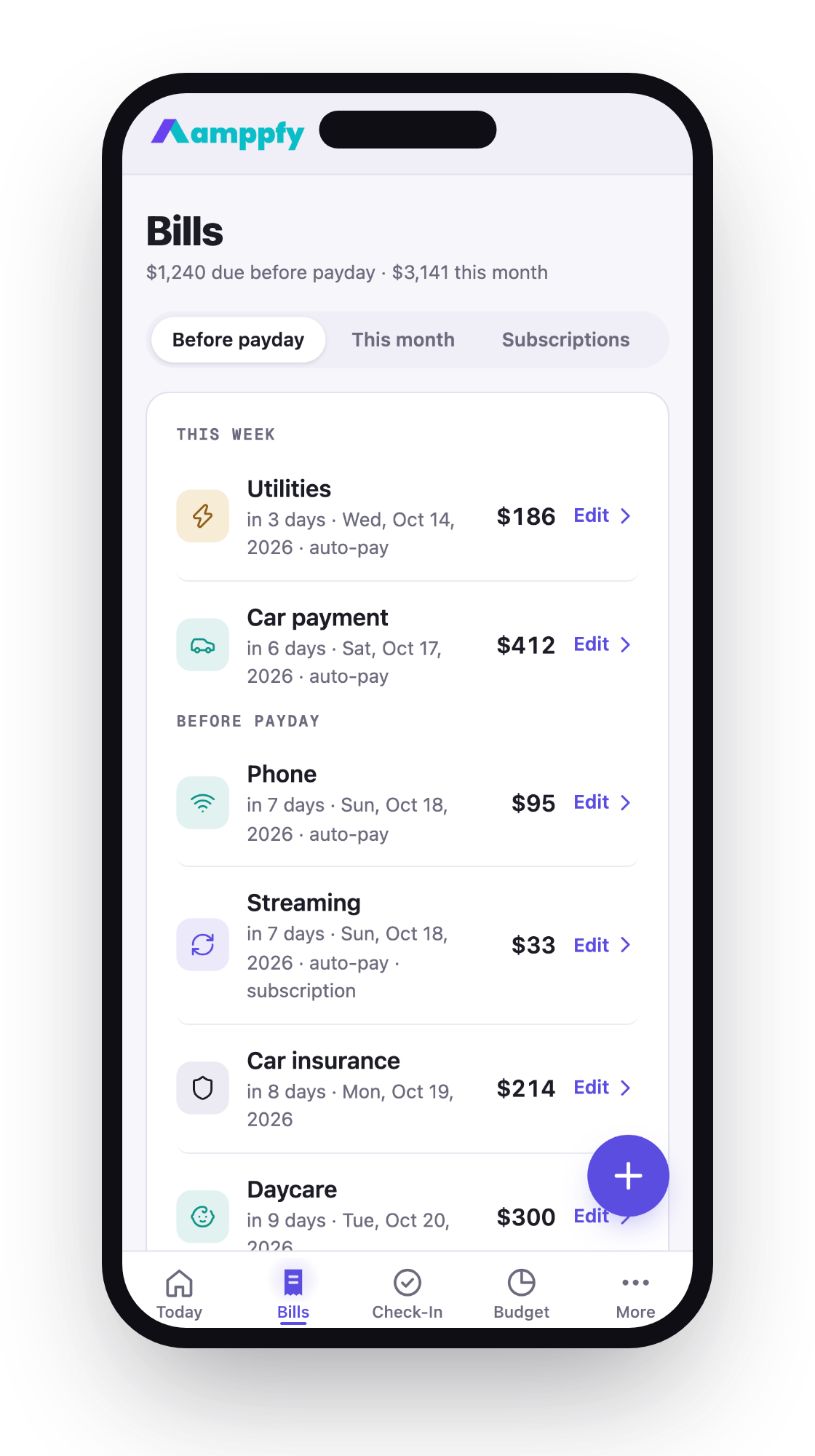
A subscription is still a bill. It keeps its due date, the account it is paid from, and its owner, and it counts against your number when it falls before payday like any other bill. Its rows carry subscription in the caption. The one difference is that Amppfy also shows its true monthly cost: a yearly plan is divided by 12, a weekly one is multiplied out, so the whole set adds up honestly.
The Subscriptions tab
Section titled “The Subscriptions tab”The Subscriptions tab on Bills opens with a card: $73/mo · 3 active, and $11/mo freed once you have cancelled one. Under it, every active subscription is a row with its next charge.
Still using these?
Section titled “Still using these?”Whenever a subscription has gone about three months without an answer, the card asks Still using these? and lists up to three, the ones you have never answered for first. Each gets two buttons:
- Keep notes the date, so it does not come up again for a while.
- Cancel it marks it cancelled right there.
Cancel one
Section titled “Cancel one”Amppfy does not cancel a subscription for you; the provider does that. Cancel with them the way you normally would, then tell Amppfy: Cancel it on the card, or open the bill and tap Remove bill if you would rather it disappear entirely.
A cancelled subscription moves to the Cancelled section of the card with the line $11 a month back in your number. Its cost comes off your bills line and your Safe-to-Spend™ number rises by exactly that amount. The row is kept, so the money you freed stays visible, and the card’s freed figure adds the cancelled ones up.
Changed your mind? Keep it after all moves it back to the active list, and the number adjusts the same way.
Subscriptions and the Budget
Section titled “Subscriptions and the Budget”On the Budget page, subscriptions are their own slice of the month, separate from bills, with each one listed when you tap the row.