
Sign-in options: Apple, Google, or email
Amppfy offers three ways to sign in. They all lead to the same kind of account; pick the one you will remember.
| Method | Good for | Works on |
|---|---|---|
| Continue with Apple | One tap with Face ID or Touch ID; no password to remember | iPhone app and the web |
| Continue with Google | One tap if you live in Google already | iPhone app and the web |
| One address, a password of 12 characters or more, and a six-digit code to confirm the address | iPhone app and the web |
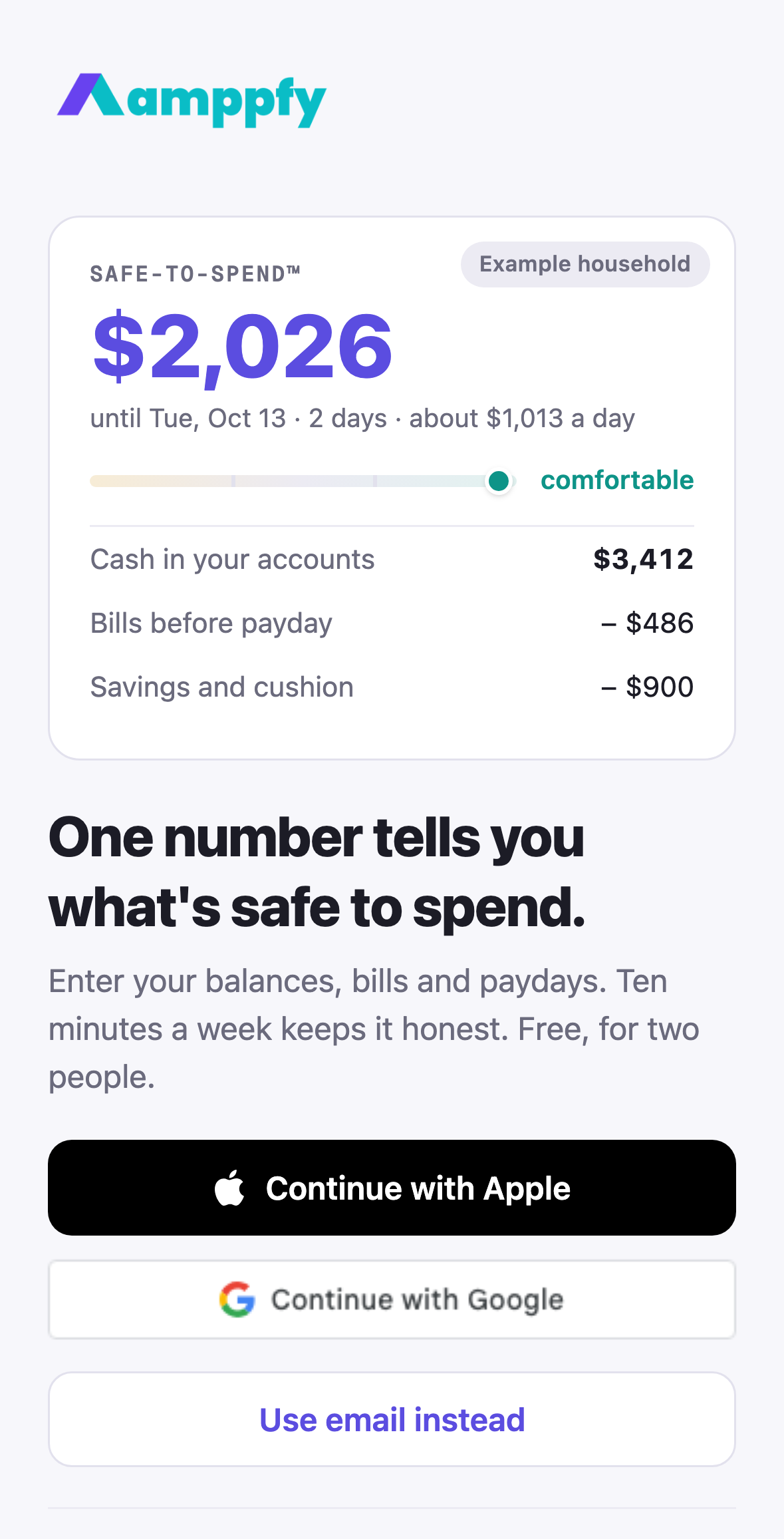
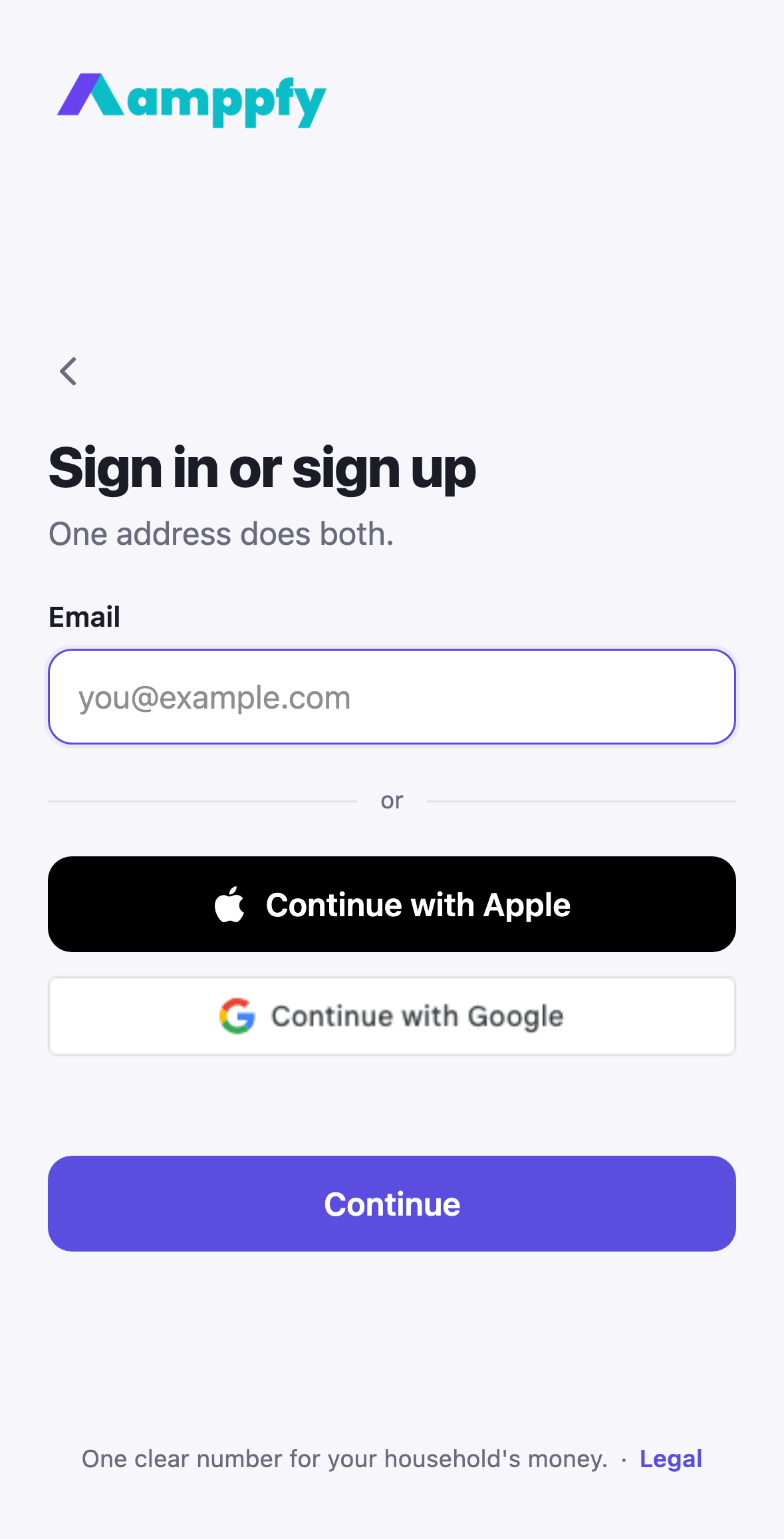
One email screen, two directions
Section titled “One email screen, two directions”Type your address and tap Continue. Amppfy checks whether that address already has an account:
- It does: the screen says Welcome back and asks for your password, with Forgot password? under the field.
- It does not: the screen says Create your account, asks for your name and a new password (the rule under the field, 12 characters or more, turns teal when you have met it), then Check your email with six boxes for the code we sent. The email also has a link, if you would rather tap. Resend opens after 30 seconds; Change email goes back.
There is no separate sign-up page to find. The same screen also opens from an invite link, headed Join the household.
Resetting your password
Section titled “Resetting your password”Tap Forgot password? on the password screen, or go to app.amppfy.com/reset. Enter your address and tap Send code; a six-digit code arrives by email (with a link as well). Type the code, then choose a new password. It works on your iPhone and the web straight away.
Use the same one everywhere
Section titled “Use the same one everywhere”Your sign-in method is how Amppfy knows which account is yours. Signed up with Google on the web? Choose Continue with Google on your iPhone too. Trying a different method with the same email creates confusion, not a second household: Amppfy tells you the email is already in use and points you back to the method you used first. Your Account screen shows your sign-in method under Sign in and security.
About Hide My Email
Section titled “About Hide My Email”If you use Continue with Apple and choose Hide My Email, Apple gives Amppfy a private relay address (something like abc123@privaterelay.appleid.com) and forwards our emails to your real inbox. Everything works; just remember that the relay address is the one Amppfy knows you by if you later sign in with email.
Adding a password to an Apple or Google account
Section titled “Adding a password to an Apple or Google account”Under Account → Sign in and security, the Password row reads Add for an account without one. Add one and the email door works too.
Adding two-step verification
Section titled “Adding two-step verification”Any of the three can have two-step verification on top: an authenticator app or email codes, both free and optional.