
Create and fund goals
An emergency fund, a trip, a deductible you know is coming: each goal takes its contribution off the top, before your number is calculated. Nobody has to be the disciplined one; the math holds the line.
The Goals screen
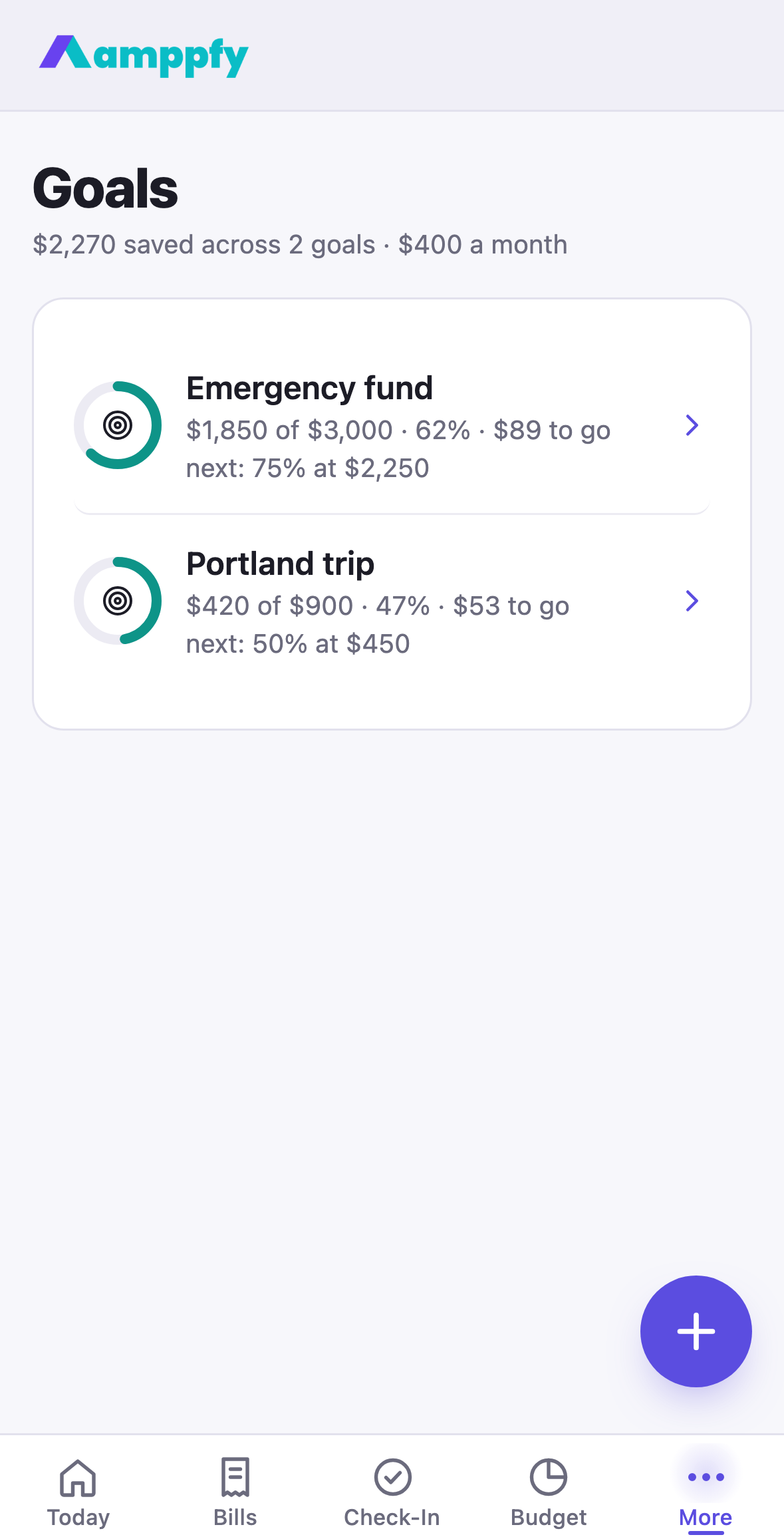
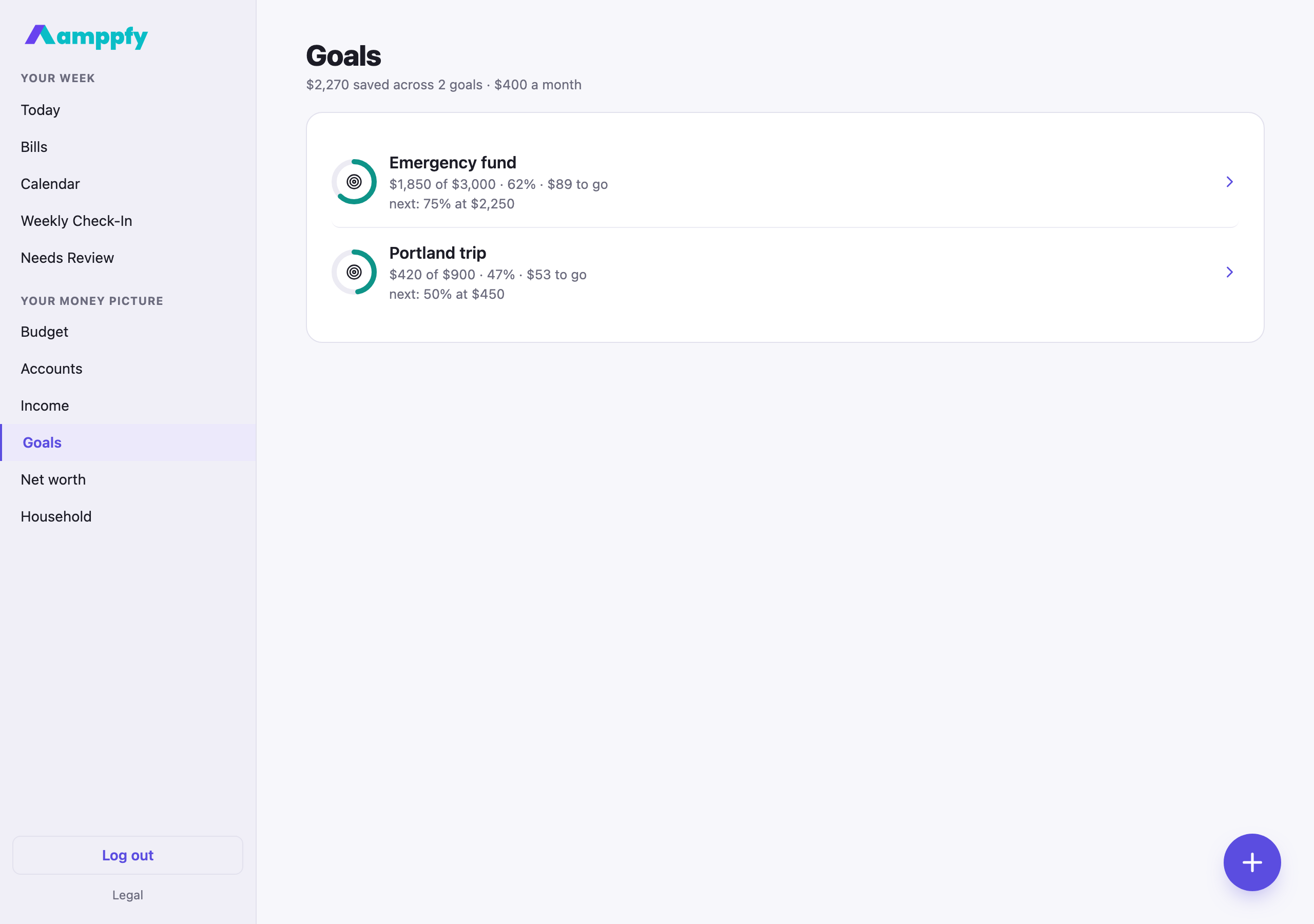
Section titled “The Goals screen”On iPhone, More → Goals; on the web, Goals in the sidebar. The title line reads $2,270 saved across 2 goals · $400 a month. Each goal is a row: a ring with the goal’s symbol inside, the name, $1,850 of $3,000 · 62% · on the plan, and the next milestone (next: 75% at $2,250). Tap a row to open the goal’s page.
Start a goal
Section titled “Start a goal”- On Goals, tap the round + button (or Start a goal on Today’s Goals card).
- The sheet opens on the Target. Then Name, a Symbol (emergency fund, trip, car, home, baby, gift, education, or custom), Saved so far if you have a head start, Each month, an optional Target date, and Funded from, the account the savings come from.
- Tap Save goal. Your Safe-to-Spend™ number now sets that monthly amount aside first, and the goal’s ring appears on Today.
The goal page
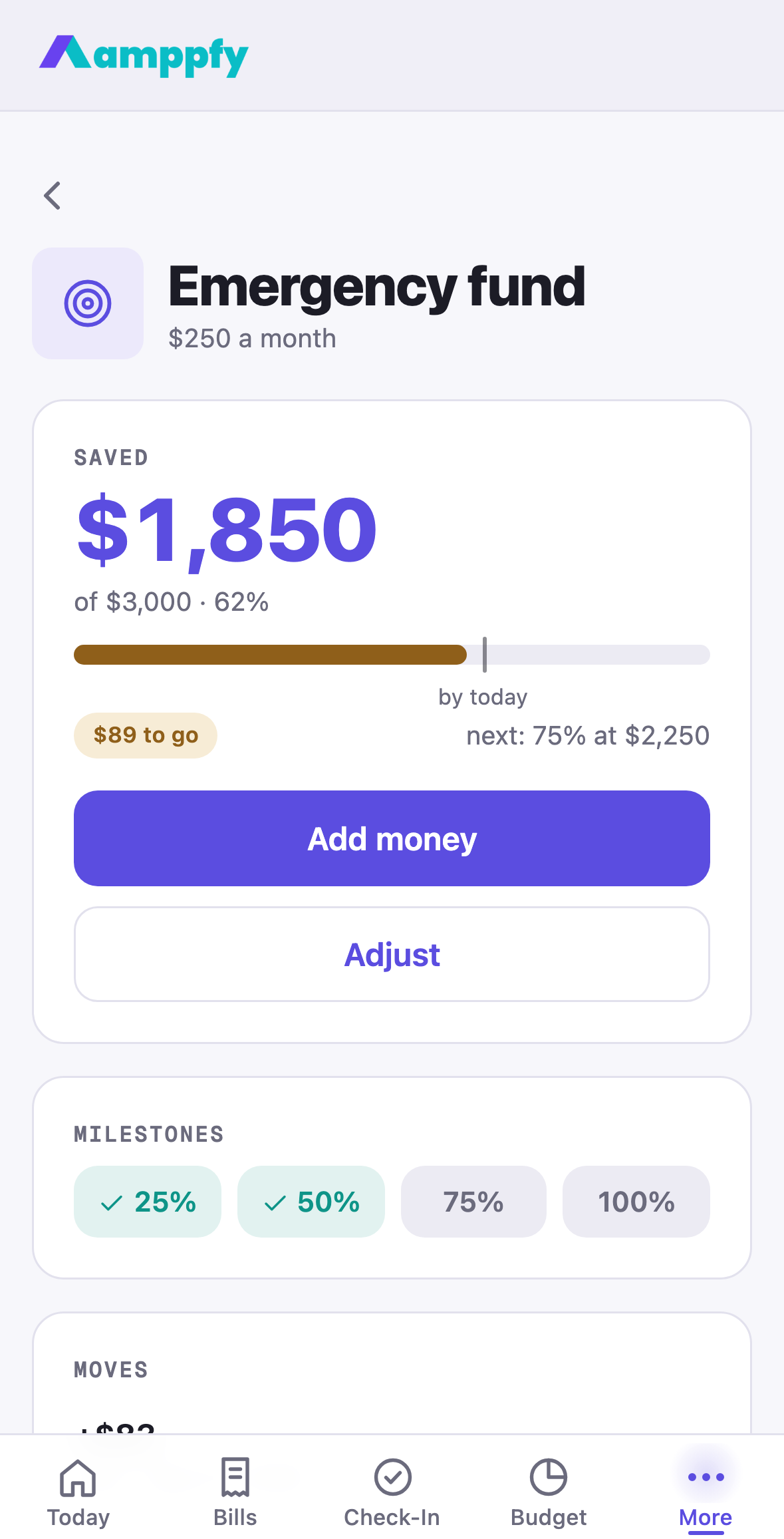
Section titled “The goal page”Tap a goal and its page opens: the symbol, the name, $250 a month · by Oct 9, 2026, then a Saved card with the amount, of $3,000 · 62%, and a progress bar with a small marker where the plan expects you to be by today. A chip says how the month is going: on the plan, $150 ahead, $100 to go, or paused. Under it, two buttons: Add money and Adjust.
Below: the four Milestones (25, 50, 75, 100 percent, teal once reached) and Moves, every amount recorded for this goal with who moved it and the date: +$150 · Alex · Oct 9, 2026, or Payday when the payday nudge recorded it.
Add money to a goal
Section titled “Add money to a goal”The payday nudge proposes a move when a paycheck lands. Any other day, record one yourself, from the goal’s page or from Add money beside the goal on Budget’s Savings tab:
- Open the goal and tap Add money.
- Enter the amount, and the date if it was not today.
- Tap Add money.
Amppfy records the move the same way the nudge does: the goal’s saved amount rises, the account it is funded from updates to match (a checking or cash account goes down, a savings account goes up, a credit card is left alone), and the move joins the list on the page. Cross a milestone and the symbol pulses with a small tap. The same moves make the bars on the Budget page under Savings.
Amppfy does not move money itself: make the transfer at your bank, then record it here.
Adjust, pause, resume
Section titled “Adjust, pause, resume”Adjust opens the goal’s sheet: change the target, the name, the symbol, Each month, the target date, or the account. The Paused switch lives here too. A paused goal sets aside $0, so your Safe-to-Spend™ number rises by exactly its monthly amount, everywhere, the moment you save; switch it back and the amount is set aside again. Pausing is part of the plan, and Amppfy treats it that way. Remove goal sits at the bottom of the sheet.
Goals and your cushion
Section titled “Goals and your cushion”Goals and the safety cushion do different jobs: goals build toward something, the cushion protects against surprises. They are separate lines in the math, so neither eats the other.