
Invite your partner
Your partner joins with their own login: no shared passwords, no joint account required, and separate finances work fine. The invite is a link that works for 7 days, shared however you like.
Open the invite page
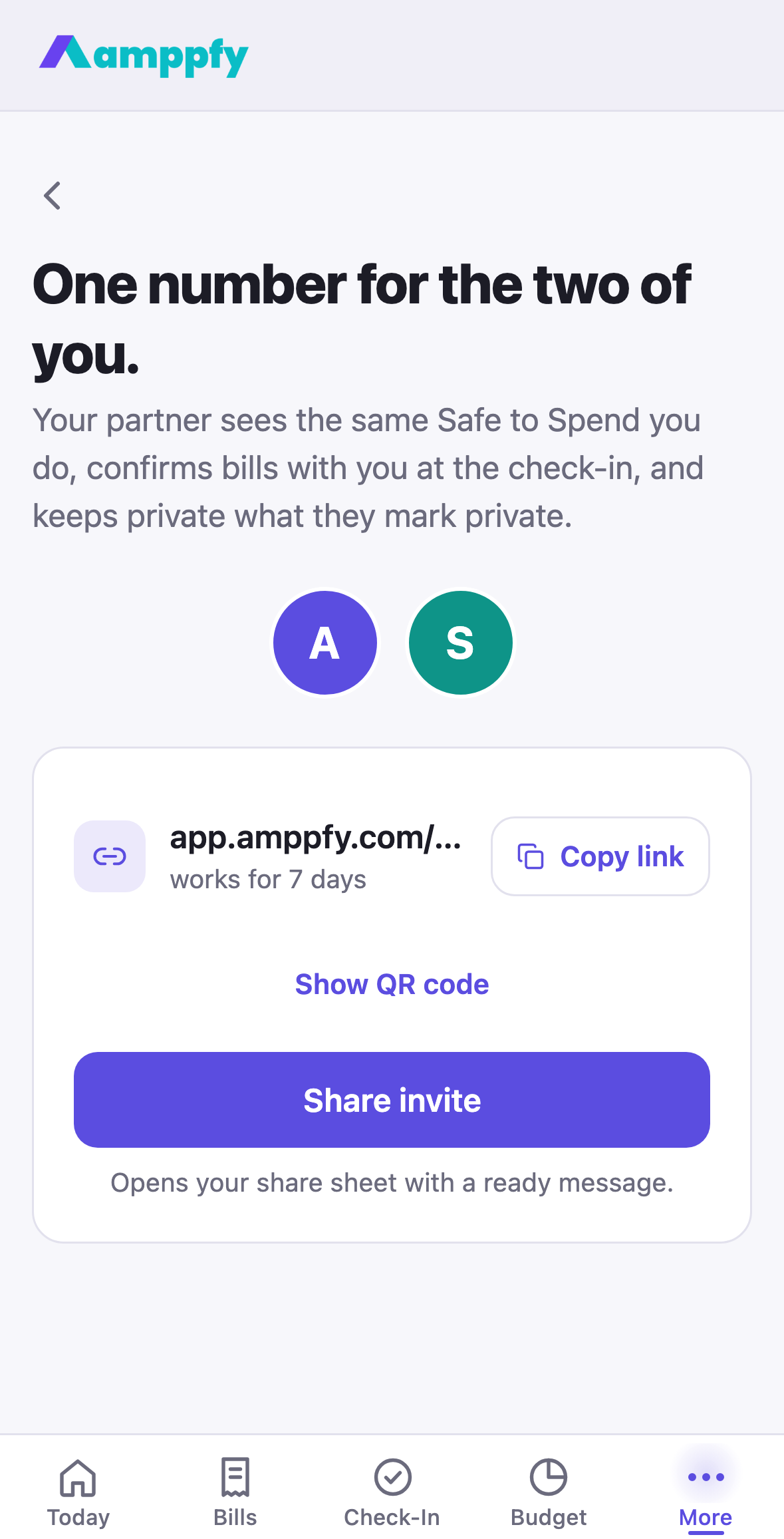
Section titled “Open the invite page”- During setup: after the reveal, if you chose With a partner or My household, the screen One number for the two of you. offers Share invite right away, or Later.
- Any time after: go to Household (on iPhone, More → Household) and tap the Add your partner row in the People list.
Share the invite
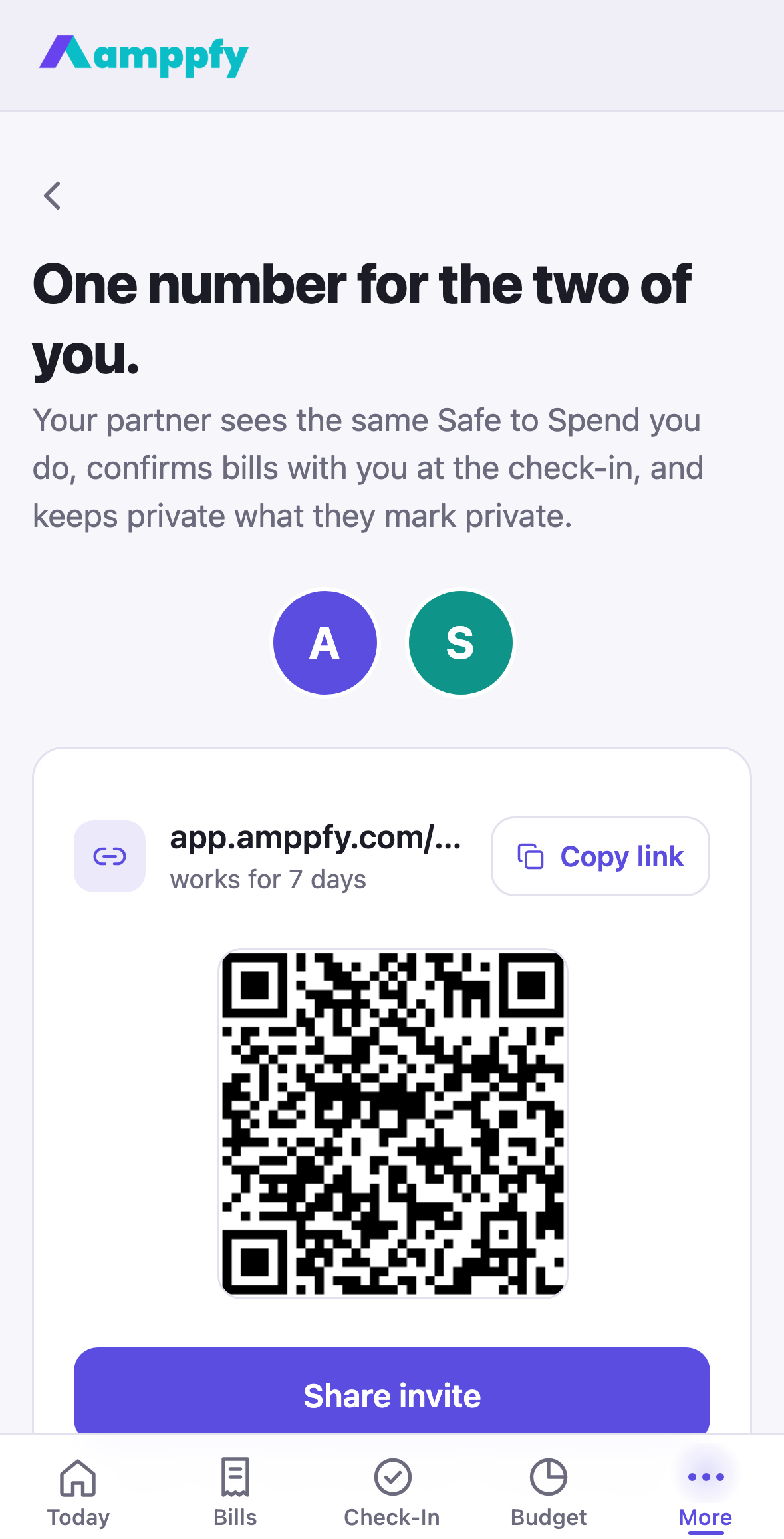
Section titled “Share the invite”The invite page is headed One number for the two of you. and explains what your partner gets: the same Safe-to-Spend™ you see, bills confirmed together at the check-in, and anything they mark private kept private. Under the avatars, with an empty seat beside yours, three ways to hand over the link:
- Share invite opens your phone’s share sheet with a ready message (“Join our household on Amppfy. One number tells us what’s safe to spend”) that carries the link and the App Store link. Send it by Messages, WhatsApp, email, whatever you use.
- Copy link puts the link on your clipboard.
- Show QR code draws the link as a code, for a partner sitting next to you: they point their camera at it and the link opens.
The link works for 7 days. The pending invite then shows in the People list as Invite link · invited Oct 7, 2026 · works for 7 days, with Copy and Cancel.
What your partner sees
Section titled “What your partner sees”Tapping the link opens Amppfy if it is installed, otherwise the web, on the Welcome screen with a line above the buttons: Alex invited you to Alex & Sam. Sign up to see the same number. They sign up with Apple, Google, or email (the email screen is headed Join the household), skip setup, and land on Today with a card that says You’re in. This is Alex & Sam’s number. You both see the same one. You get an email that they joined, and their avatar appears next to yours at the top of Today.
More on links in Invites and links on iPhone.
What they can see
Section titled “What they can see”Shared accounts, bills and goals are visible to both of you; anything either of you marks private stays private. The details are in Shared vs. private.
Their one job
Section titled “Their one job”The weekly check-in is designed to be done together: ten minutes a week. When one of you closes the week, the other gets a heads-up and the three-card close says Sam will see this when they open the app.
If the link stopped working
Section titled “If the link stopped working”Links last 7 days. Open Household, cancel the old invite from the People list, and open Add your partner again for a fresh one.