
Net worth
Safe-to-Spend™ is about the next few weeks. Net worth is the longer view: what you own minus what you owe, as of today, charted over 3, 6 or 12 months so the direction becomes visible over time.
Where to find it
Section titled “Where to find it”- iPhone: More → Net worth.
- Web: Net worth in the sidebar, under Your money picture.
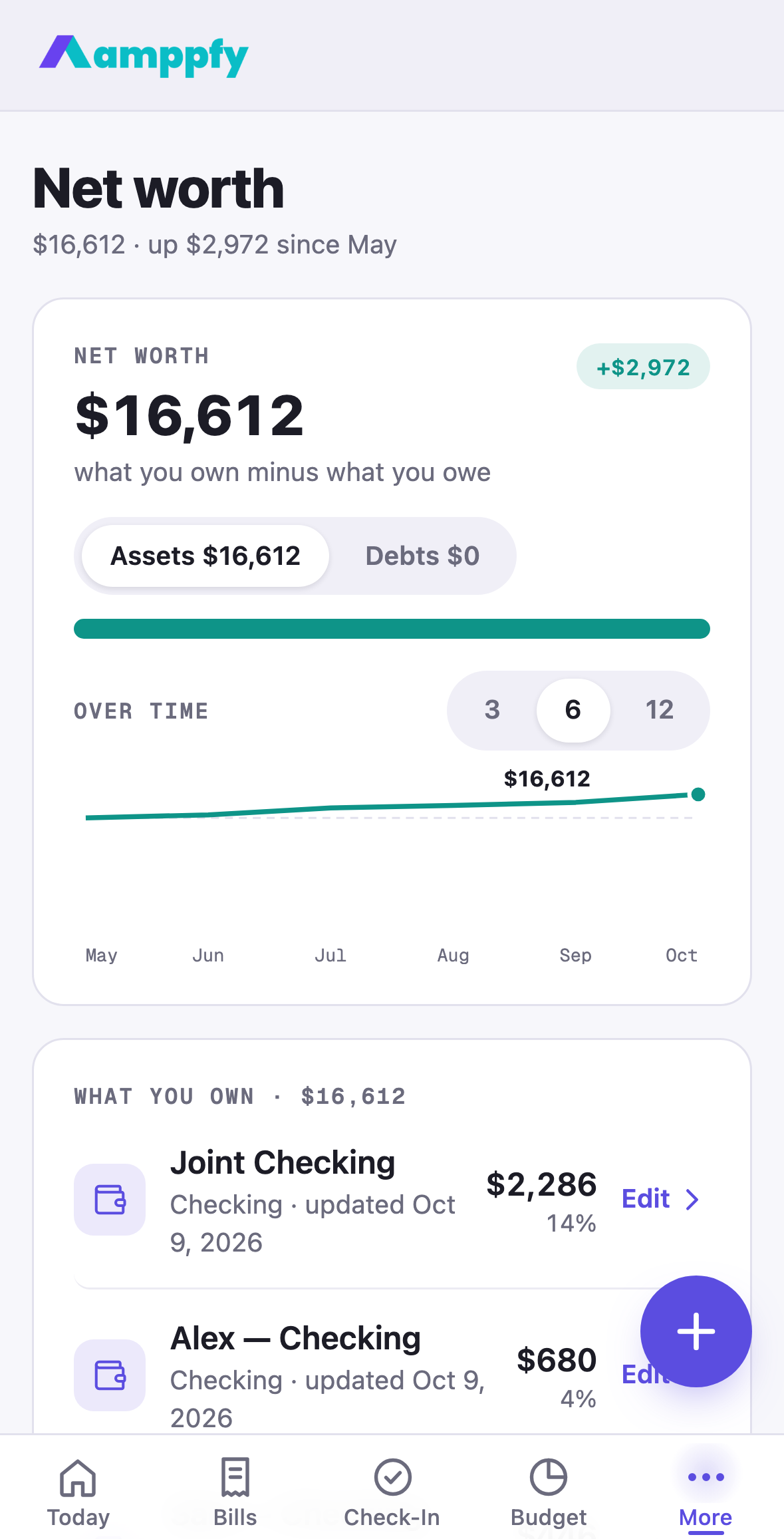
Today’s Net worth card carries the total, the Assets and Debts bar, and See net worth under it.
The screen
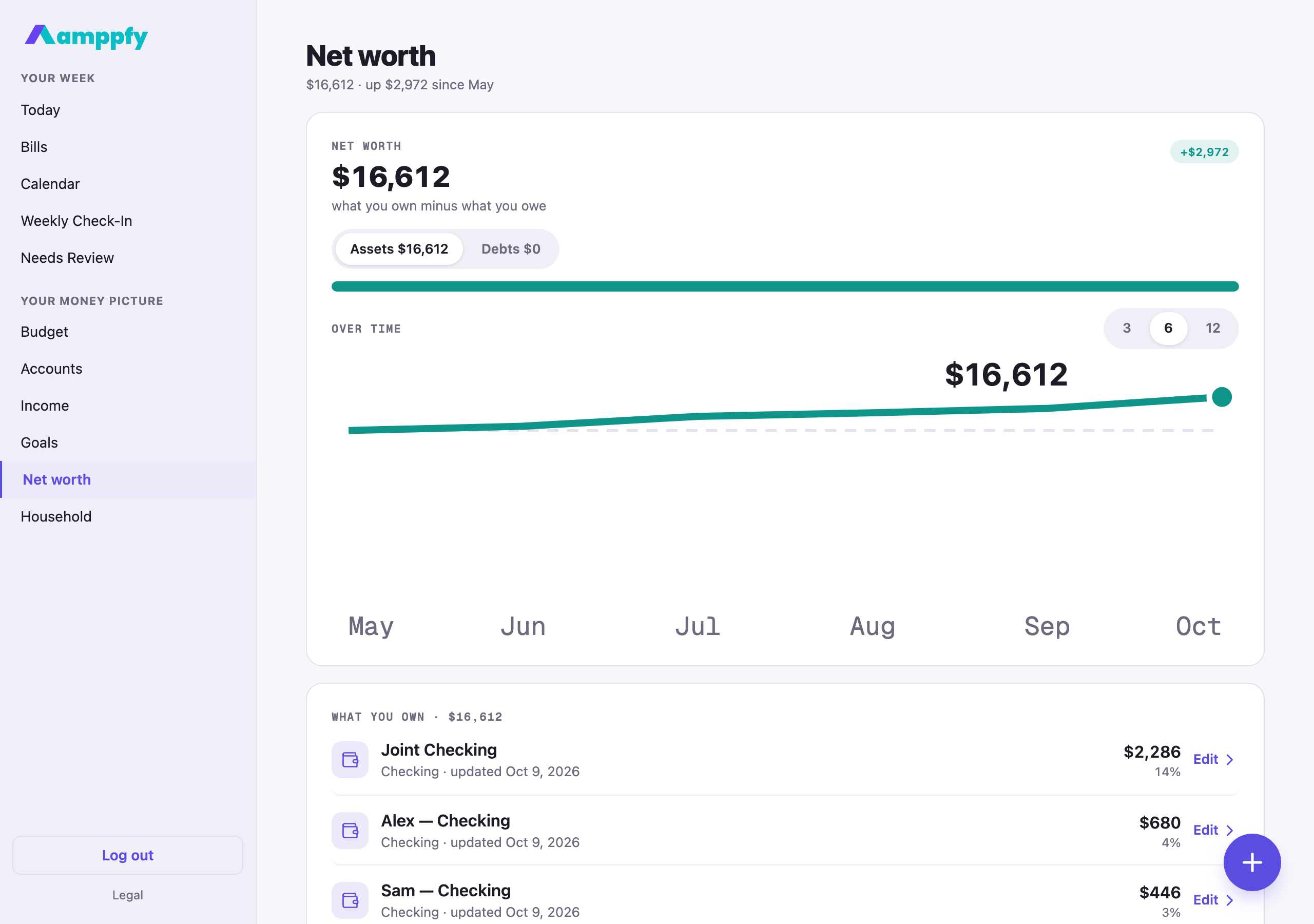
Section titled “The screen”The title line reads $16,612 · up $5,232 since April once there are two months on the chart. The card under it has Assets and Debts as tabs, each with its total, a two-color bar (teal for assets, amber for debts), and the line Over time with 3 · 6 · 12 month chips. The first month shows a single point and the note First month on the chart. The line starts next month.
| Side | What’s in it |
|---|---|
| Assets | Every checking, savings and cash account you have entered, plus the assets you add here: a home, a car, investments, retirement |
| Debts | Your credit card balances, plus the debts you add here: a mortgage, an auto loan, student or personal loans |
Under the card, What you own (or What you owe on the Debts tab) lists each item as a row: its icon, Checking · updated Oct 1, 2026, the value and its share of that side. Account rows open Accounts; asset and debt rows open their sheet.
Cash on hand stays separate from Safe-to-Spend™. Adding a house or a car loan here changes your net worth and nothing else; your number is still calculated from cash, bills before payday, planned savings, and your cushion.
Add assets and debts
Section titled “Add assets and debts”- Tap the round + button: Add an asset on the Assets tab, Add a debt on Debts.
- The sheet opens on the Current value (for a debt, the Amount owed), then a Name and a Type.
- Save. The total updates right away.
Types are simple: Home, Vehicle, Investments, Retirement, or Other asset; Mortgage, Auto loan, Student loan, Personal loan, or Other debt. Open any item to update its value, and remove it from the same sheet if it no longer applies. Assets and debts are shared with your household, like bills.
Month by month
Section titled “Month by month”The chart keeps one point per month. Amppfy records the current month’s total whenever you open the screen and it has changed, so the point for this month follows your latest numbers and earlier months stay as they were.
Values like a home or a car do not need updating every week. When a new month starts and any asset or debt was last valued in an earlier month, a card at the top asks New month. Are these values still right? with Update values, which walks you through each one in its sheet, and Not now.
Plan a payoff
Section titled “Plan a payoff”Every debt can carry two more facts: the interest rate (% a year) and the monthly payment. Add them in the debt’s sheet (for a credit card, in the account’s sheet under Accounts), and tapping the debt on the Debts tab opens its page: paid off in Mar 2028 · 17 months · $412 in interest, worked out month by month from the balance you entered.
Under the plan, Extra each month is the plan you set for yourself: type an amount and the page shows the new payoff month and what the extra saves, for example saves $180 and 7 months. Tap Save the plan to keep it. Amppfy does not move money; the extra is a commitment you keep at your bank, and the balance you update each month is what the plan reads. A payment that does not cover the month’s interest shows a plain note instead of a date, so you know the balance would not come down.
Related
Section titled “Related”- How the number is calculated
- Set up your household: accounts and balances
- The calendar