
Paydays and income schedules
Each income keeps its own schedule, and Amppfy works out which payday comes next; that date decides which bills count against your number. Two incomes, one income, or a few uneven ones all work the same way.
The Income screen
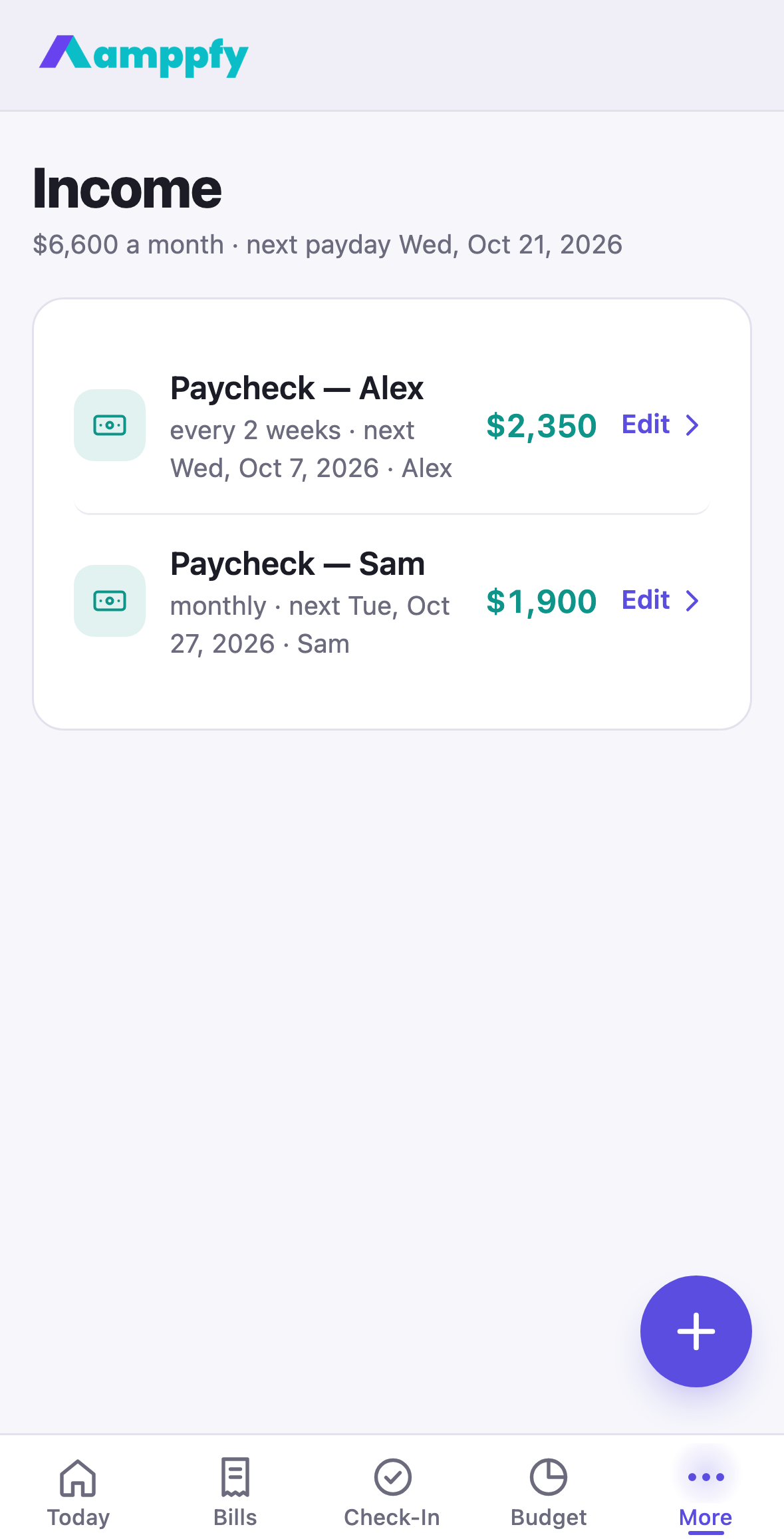
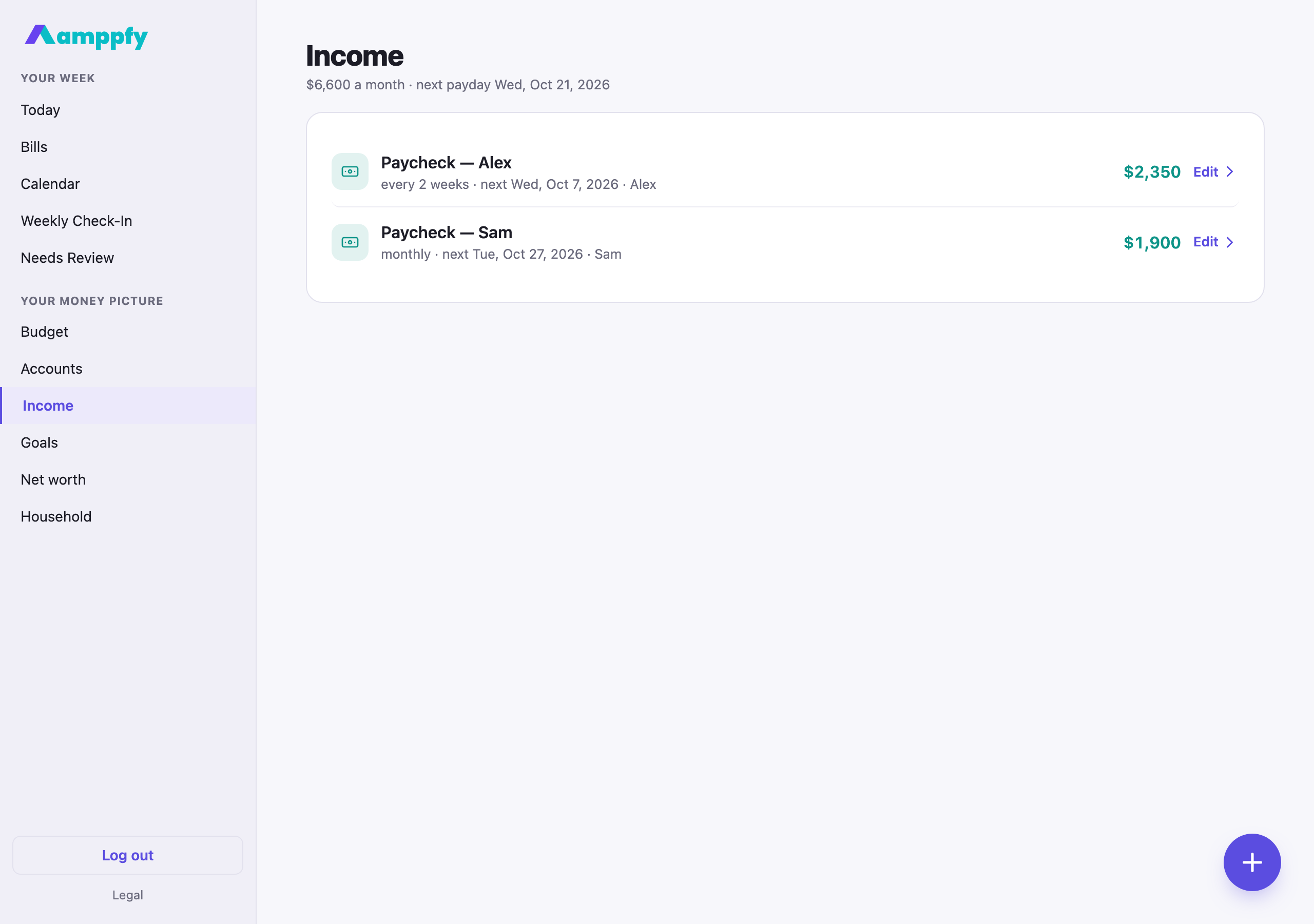
Section titled “The Income screen”On iPhone, More → Income; on the web, Income in the sidebar. The title line reads $7,800 a month · next payday Wed, Oct 21, 2026, and each paycheck is a row: every 2 weeks · next Wed, Oct 21, 2026, the amount in teal, and Edit ›. In a household of two, the row also names whose paycheck it is. The paydays themselves are drawn on the calendar.
Add an income
Section titled “Add an income”- On Income, tap the round + button.
- The sheet opens on Take-home pay: what lands in the account, after tax. Then Name, How often, Next date (a full date), Deposits to, and in a household, Owner.
- Tap Save income. Editing a paycheck adds Remove income at the bottom.
The schedules
Section titled “The schedules”| How often | How it lands |
|---|---|
| Weekly | Same day every week |
| Every 2 weeks | Every two weeks from the next date you set |
| Twice a month | On the 15th and the 30th of each month (the last day in a shorter month) |
| Monthly | Same date every month |
| Irregular | Never projected; counted only when it lands |
Your next payday is the earliest upcoming paycheck across all incomes in the household. That is the finish line your Safe-to-Spend™ math runs to.
Irregular income
Section titled “Irregular income”Tips, commission, gig work: choose Irregular and the sheet drops the next date. The row shows the amount with a tilde and irregular · counted only when it lands, and the number never counts it ahead of time. When the money arrives, update the account balance it landed in and the number moves up. The Budget leaves irregular income out of the month’s plan for the same reason.