
Use the iPhone app and the web together
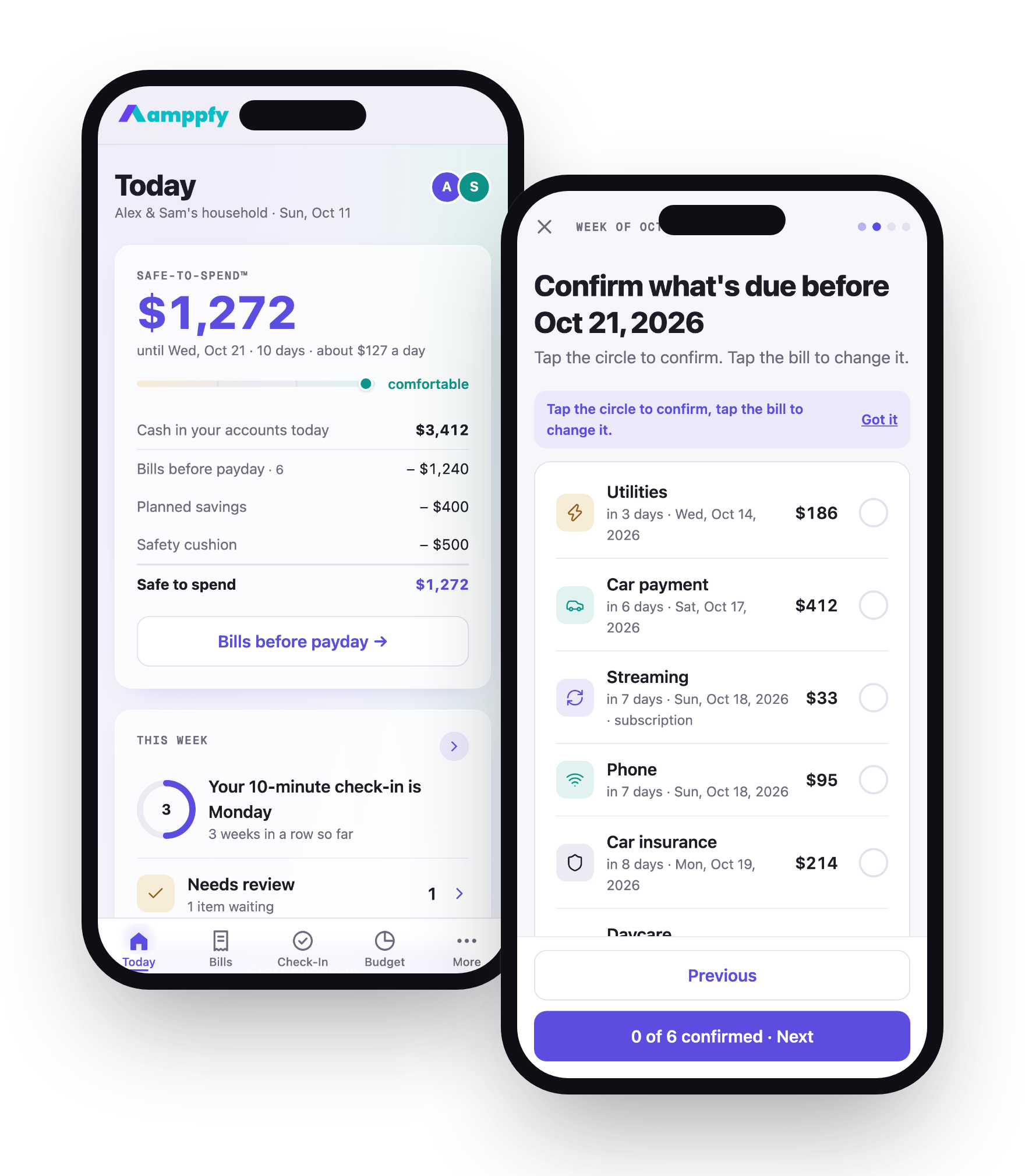
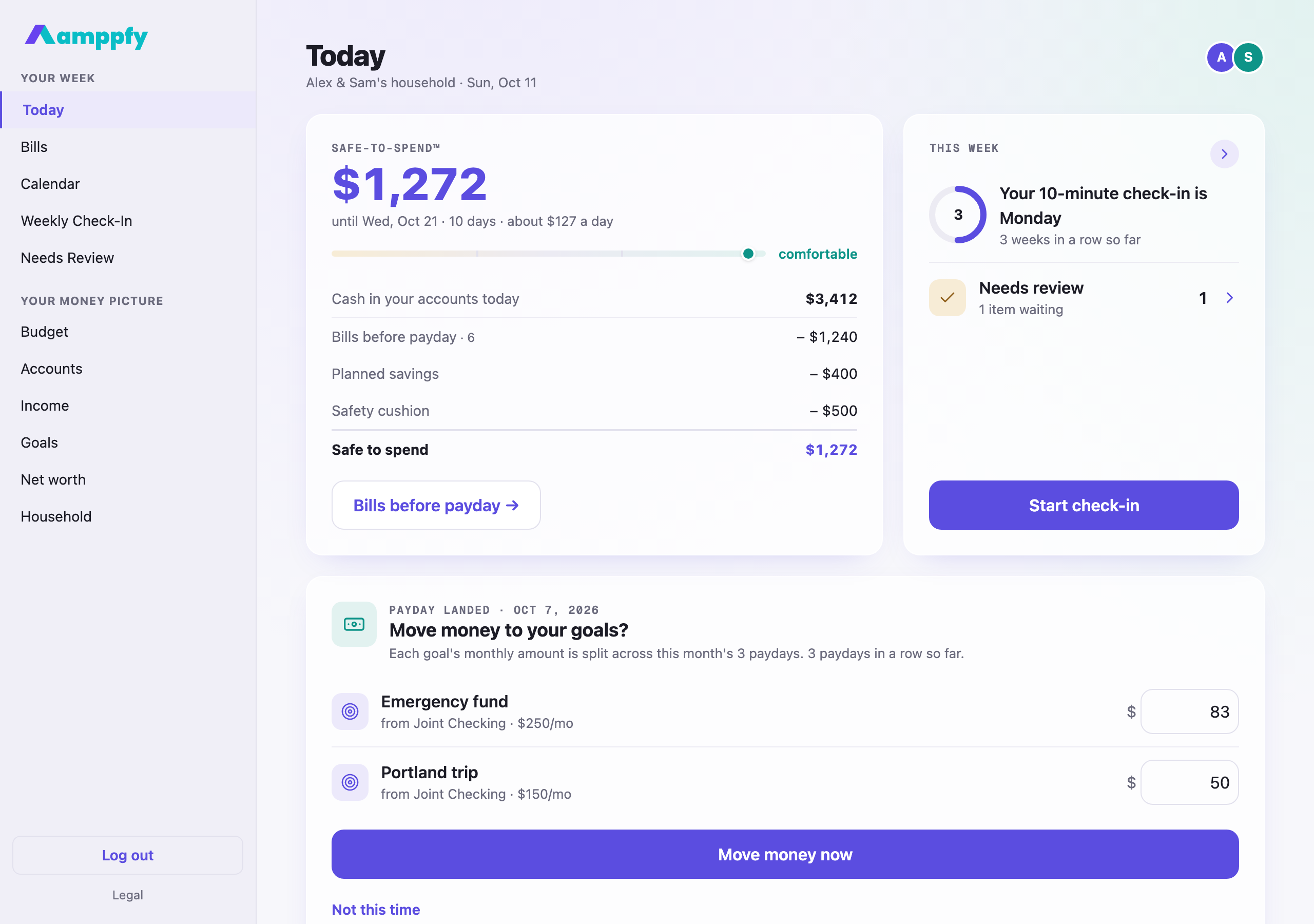
There is one Amppfy account per person and one household behind it. The iPhone app and the web app are two windows onto the same thing.
What syncs
Section titled “What syncs”Everything. Update a balance on your phone and the web shows it within a moment. Your partner adds a bill on their phone; it is on yours before they have put the phone down. Pause a goal on the web at lunch; your number is already different when you open the app on the train home, and the widget on your Home Screen catches up the next time the app opens.
There is nothing to refresh and nothing to “sync”; it just happens.
A good split
Section titled “A good split”Many households settle into a rhythm like this:
- Phone for the everyday. “Can we afford this?” gets answered in line at the store: glance at the widget, or open the app and read the number.
- Web for the weekly check-in. Ten minutes at the kitchen table with a bigger screen, especially if you do it together.
- Either for the rest. Adding a bill, pausing a goal, or inviting a partner works the same on both.
Signing in with the same account
Section titled “Signing in with the same account”Use the same sign-in method on both. If you signed up with Google on the web, choose Continue with Google on iPhone; if you use Continue with Apple on your phone, it works on the web too. The email screen is the same on both: one address, then your password.
Two-step verification across devices
Section titled “Two-step verification across devices”If you have turned on two-step verification, each device asks for your code the first time it signs in, and the app asks again when you reopen it after it has been fully closed. Your authenticator app or email codes work the same everywhere.
Signing out everywhere
Section titled “Signing out everywhere”From More → Account on your phone, or Account on the web, Trusted devices shows this device signed in with Sign out of the others beside it; handy if you have signed in on a shared or lost device.