
Invites and links on iPhone
Accepting a partner invite
Section titled “Accepting a partner invite”When someone invites you to their household, they send you a link (by Messages, email, whatever they use) or show you a QR code to scan. On an iPhone with Amppfy installed, the link opens the app on the Welcome screen, with a line saying who invited you. Sign up with Apple, Google, or email (the email screen is headed Join the household), or sign in if you already have an account, and you land on Today with the same number they see; no setup to do.
Don’t have the app yet? The same link works in Safari and carries the App Store link; once you install the app later, your account and household are already there.
Sending an invite from your phone
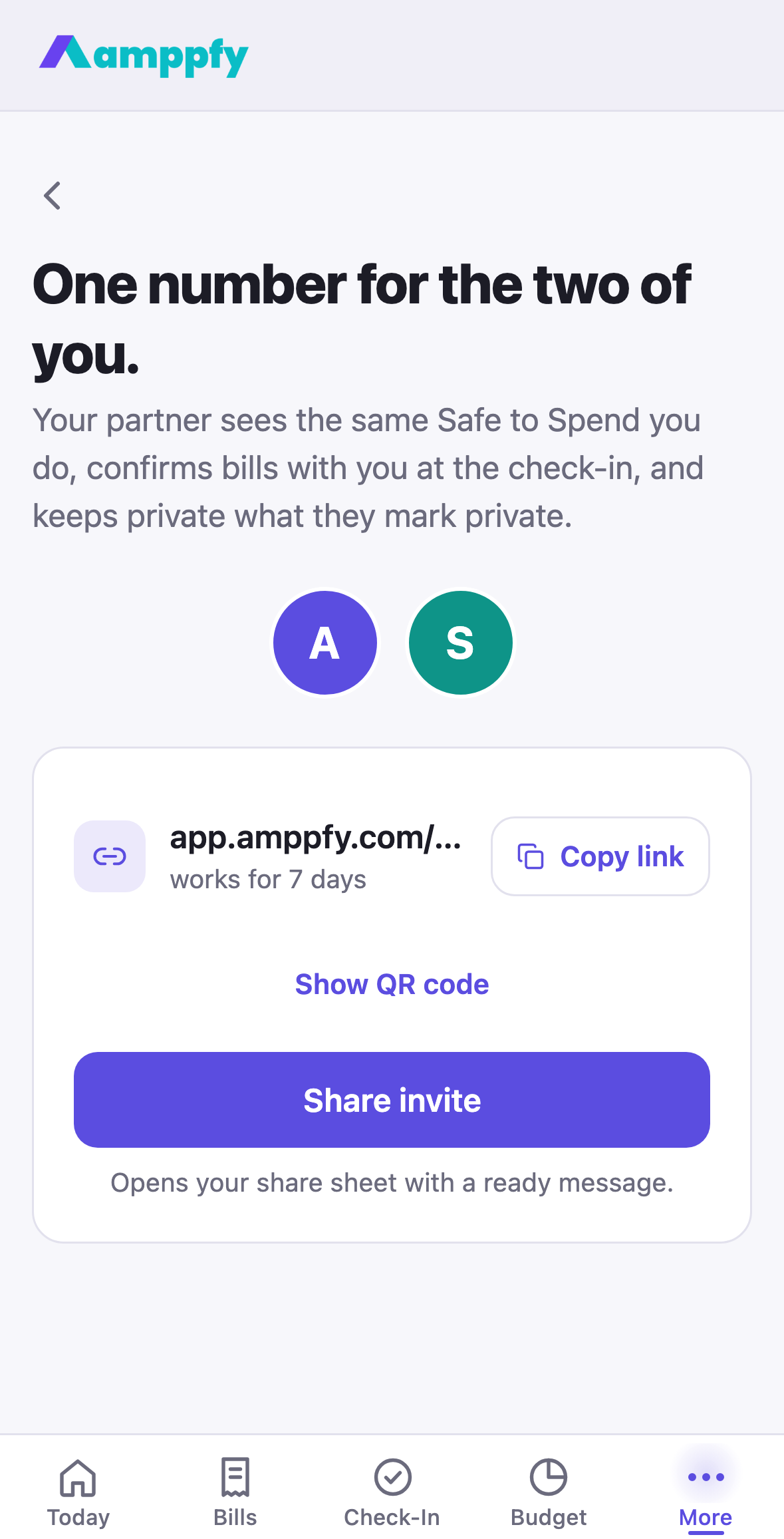
Section titled “Sending an invite from your phone”- Open More → Household and tap Add your partner.
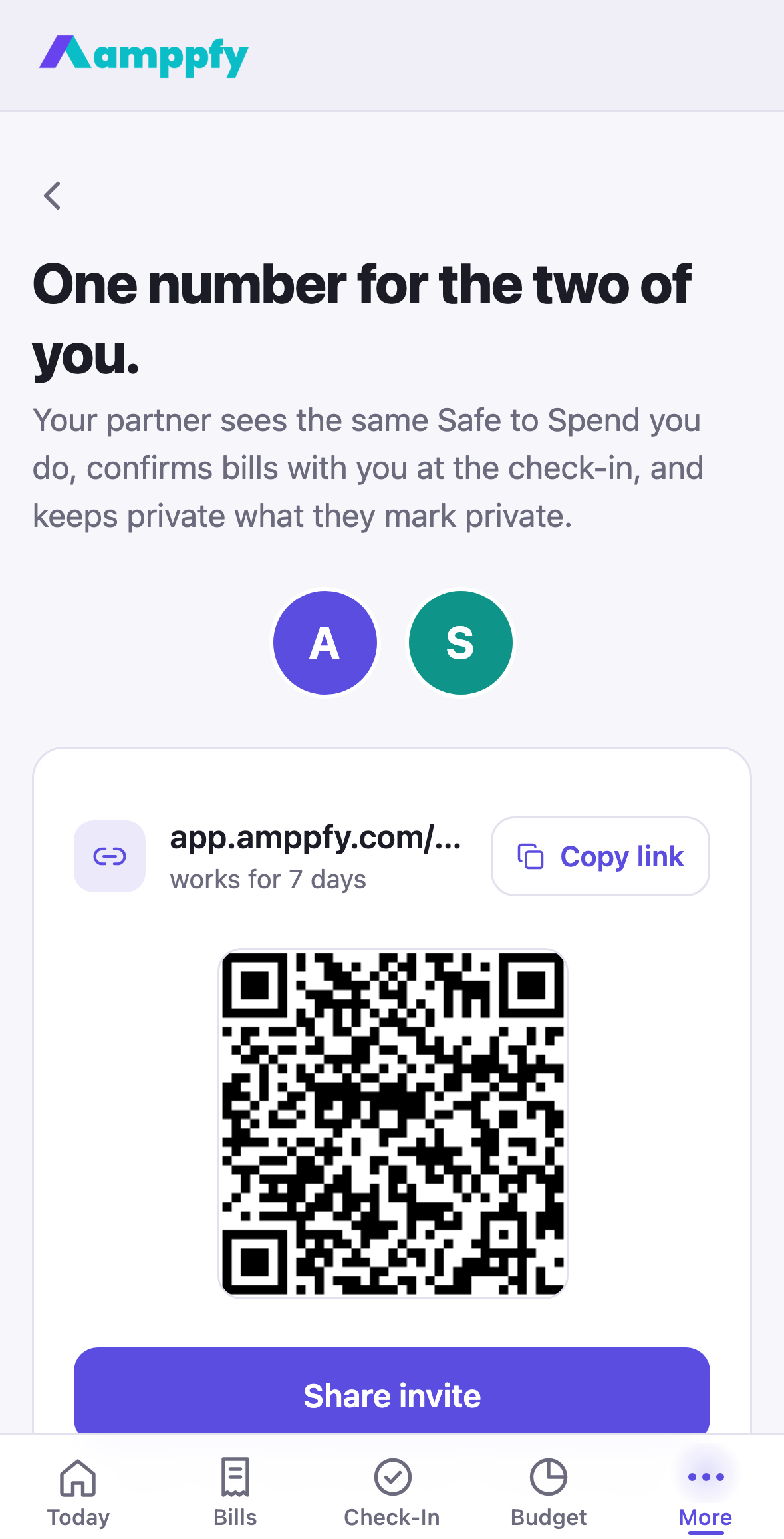
- Share invite opens the share sheet with a ready message, Copy link copies it, and Show QR code draws it for a partner sitting beside you.
- They get their own login; no shared passwords, no joint account required. What they can see is up to you: Shared vs. private.
The link works for 7 days. More in Invite your partner.
Links in the emails we send
Section titled “Links in the emails we send”The sign-up and password-reset emails carry a six-digit code and a link. Tapping the link on your iPhone opens the app and confirms on its own; typing the code into the app does the same. Heads-up emails link to the screen where you would act.
When a link opens Safari instead
Section titled “When a link opens Safari instead”If you type or paste an Amppfy link into Safari’s address bar, iOS opens it in Safari; that is how iPhone treats typed addresses. Tapping a link from Mail, Messages, or Notes opens the app. Either way you end up in the same account, so nothing is lost; if you would rather be in the app, open it from your Home Screen.