
Delete your account and data
We would rather earn your trust each week than make the door hard to find. Deleting your account removes every record in it: accounts, bills, income, goals, check-ins, all of it.
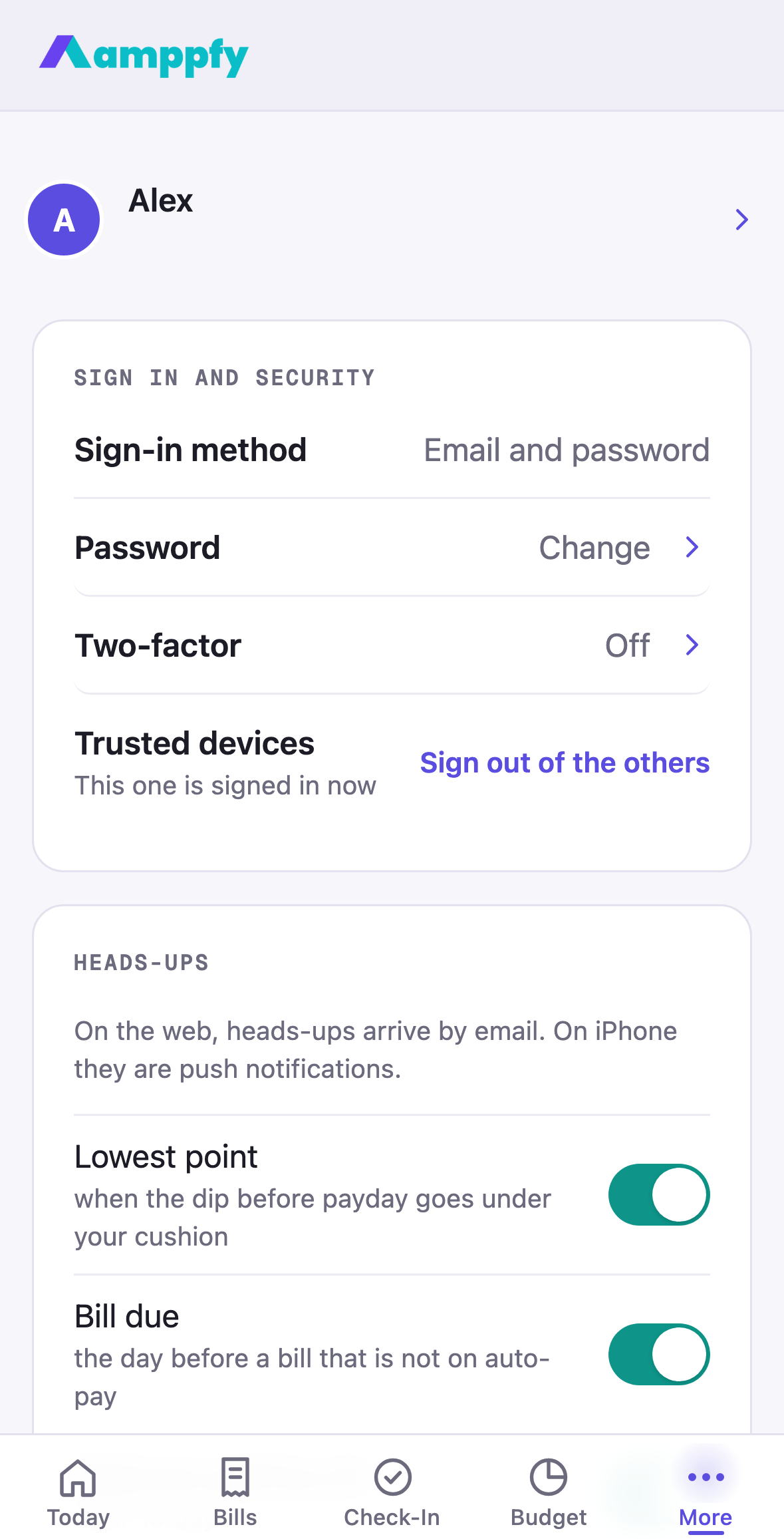
Delete your account
Section titled “Delete your account”- Go to Account (on iPhone, More → Account) and scroll to the bottom, past Sign out. Tap Delete account. The line under it says what you get: 14 days to change your mind.
- The sheet, Delete your account?, states the date everything is erased, what happens to your household (below), and that signing back in before then changes nothing.
- Enter your password if your account has one, type DELETE, and tap Delete account.
Your account enters a 14-day window. The Account screen shows Deletion scheduled with the date and a Cancel deletion button until then. After 14 days, everything is deleted permanently.
Change your mind within 14 days
Section titled “Change your mind within 14 days”Sign in as usual. Instead of Today, a Welcome back card says This account is scheduled for deletion on Oct 25, 2026. Restore it? Tap Restore my account and your household comes back exactly as you left it. Or, if you are still signed in, tap Cancel deletion on the Account screen.
What about your partner?
Section titled “What about your partner?”It depends on who you are in the household, and the sheet tells you before you confirm:
- A partner deleting their own account: your partner keeps the household and everything shared.
- The owner of a household with a partner in it: the household is deleted for everyone in it. Talk it through first if your partner should keep it.
What gets deleted
Section titled “What gets deleted”Only what you put in yourself: balances, bills, income, goals, check-ins, and your household details. There is no bank connection required to use Amppfy, so there are no account numbers or routing numbers to worry about.